









Receive our commercial brochure by email:


With the integration between LeanPay and Microsoft Outlook, send your reminders from your professional email address and find the history of your exchanges in LeanPay.
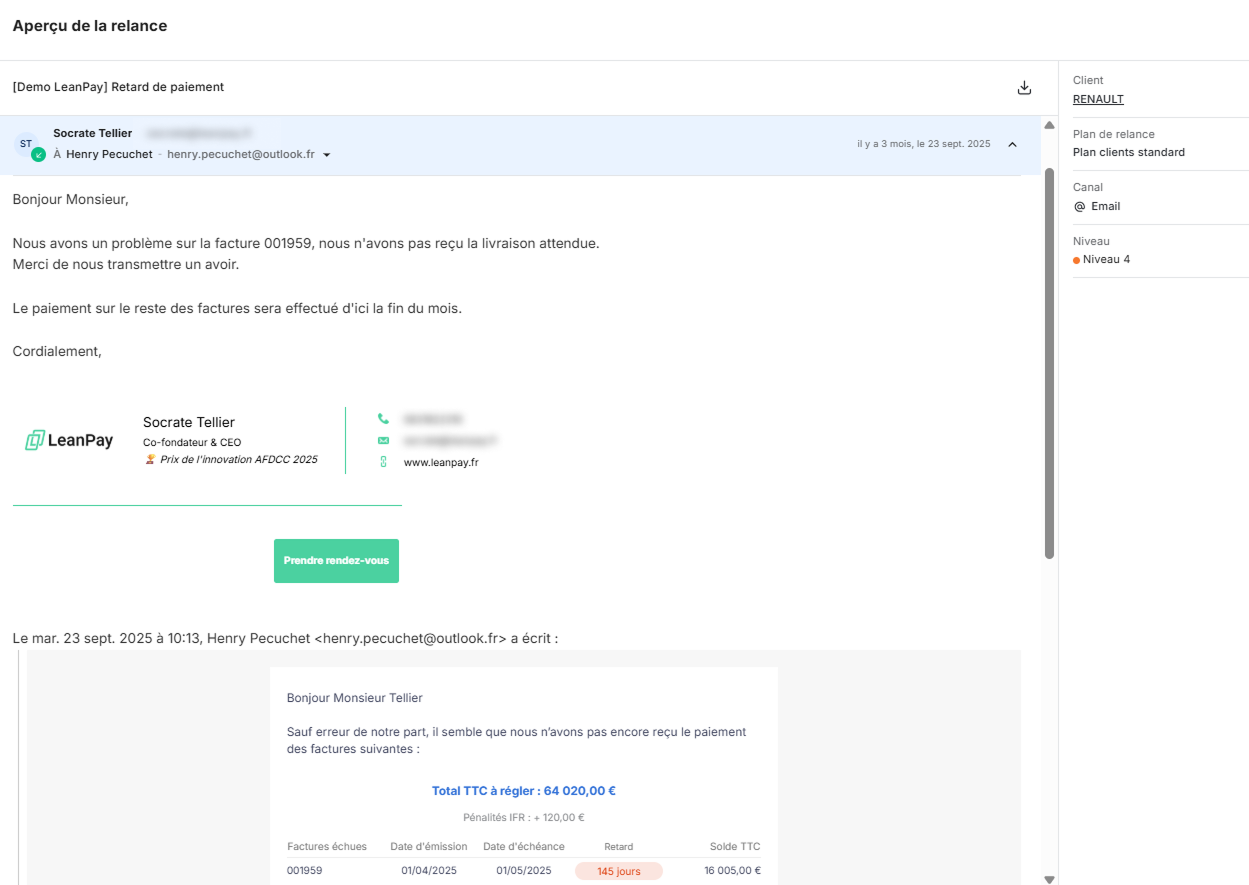
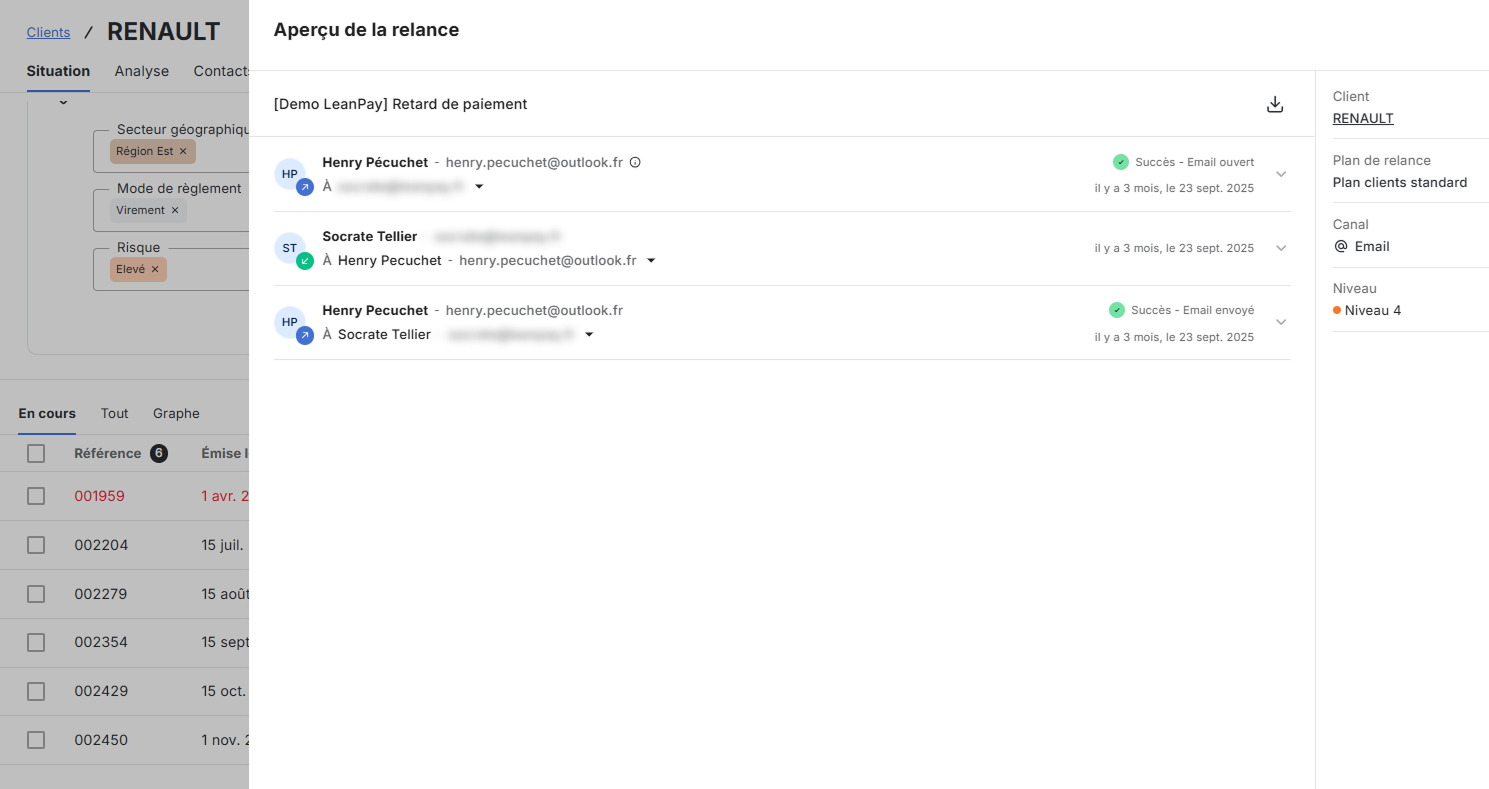
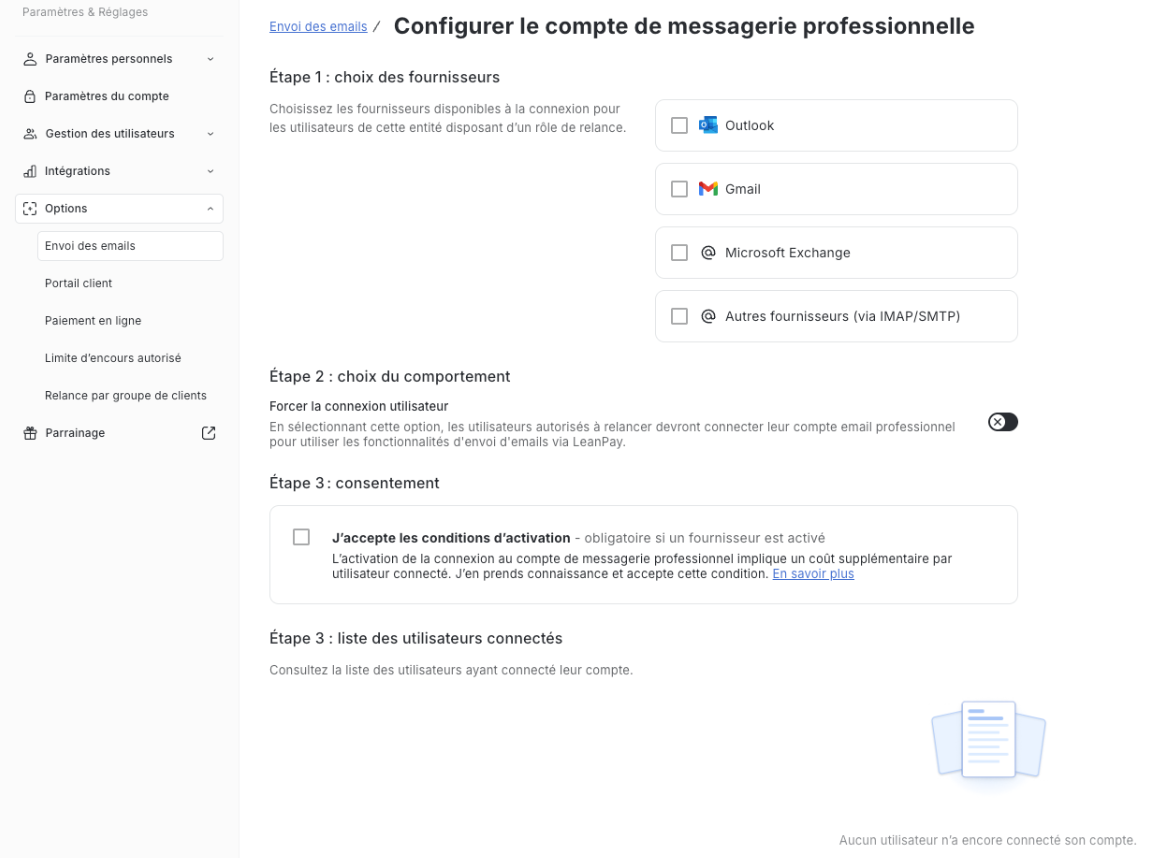
LeanPay allows you to send your reminder emails directly from your Microsoft Outlook business email, while centralising all customer exchanges in the application.
All emails sent and received are automatically logged in LeanPay, which guarantees you a complete traceability of reminders and a smooth follow-up of conversations, without leaving your collection tool.
Historization applies to all email reminders and to all customer contact messages.
With our Microsoft Outlook integration, you can:
Microsoft Outlook is the business email solution developed by Microsoft, used by millions of businesses around the world. It allows you to manage emails, the contacts, the calendars Aand the tasks within a secure and collaborative environment.
Integrated into the Microsoft 365 ecosystem, Microsoft Outlook adapts to the uses of teams, whether for internal communication or exchanges with partners and customers. The solution offers high sending reliability, advanced management of shared mailboxes and extensive compatibility with business tools.
Microsoft Outlook is widely adopted by businesses to structure their professional communications and centralise daily exchanges.
Emails are sent from your Microsoft Outlook business address, which reduces the risk of spam and improves their inbox arrival.
Emails sent from LeanPay appear in the “Sent” folder in your Microsoft Outlook box, which allows you to keep your habits and a history on the email side.
All email exchanges are automatically recorded in LeanPay and attached to the customer file, for shared and usable follow-up by the whole team.



This is an option that is billed monthly, per logged in user.
Yes, by connecting your professional Microsoft Outlook account, reminders are sent from your own email address (e.g.: yourname@yourcompany.com)
Absolutely! Reminders sent from LeanPay automatically appear in the “Sent” folder in your professional email.
You will receive the answer in your professional email as usual. At the same time, LeanPay notifies you of the reception of the message and centralises the entire conversation in the application.
Yes, attachments are also stored and centralised in LeanPay.









LeanPay provides finance teams with an accounts receivable software to eliminate late payments and collect 100% of their revenue.
💚 Build with pride and passion in Lille, France.


